Notes from a real parallel-coding experiment with Codex, BoB, and Claude
Field notes from running AI coding agents in parallel.
Using a single AI coding agent feels productive — until the code grows and the workflow becomes serial: prompt → wait → review → fix → wait again.
In real teams, we parallelize work. One person builds, another reviews, another tests. I wanted to see if the same idea worked with AI. So I tried running multiple coding agents in parallel to see what changed — speed, failure modes, and the kind of coordination it would require.
The setup
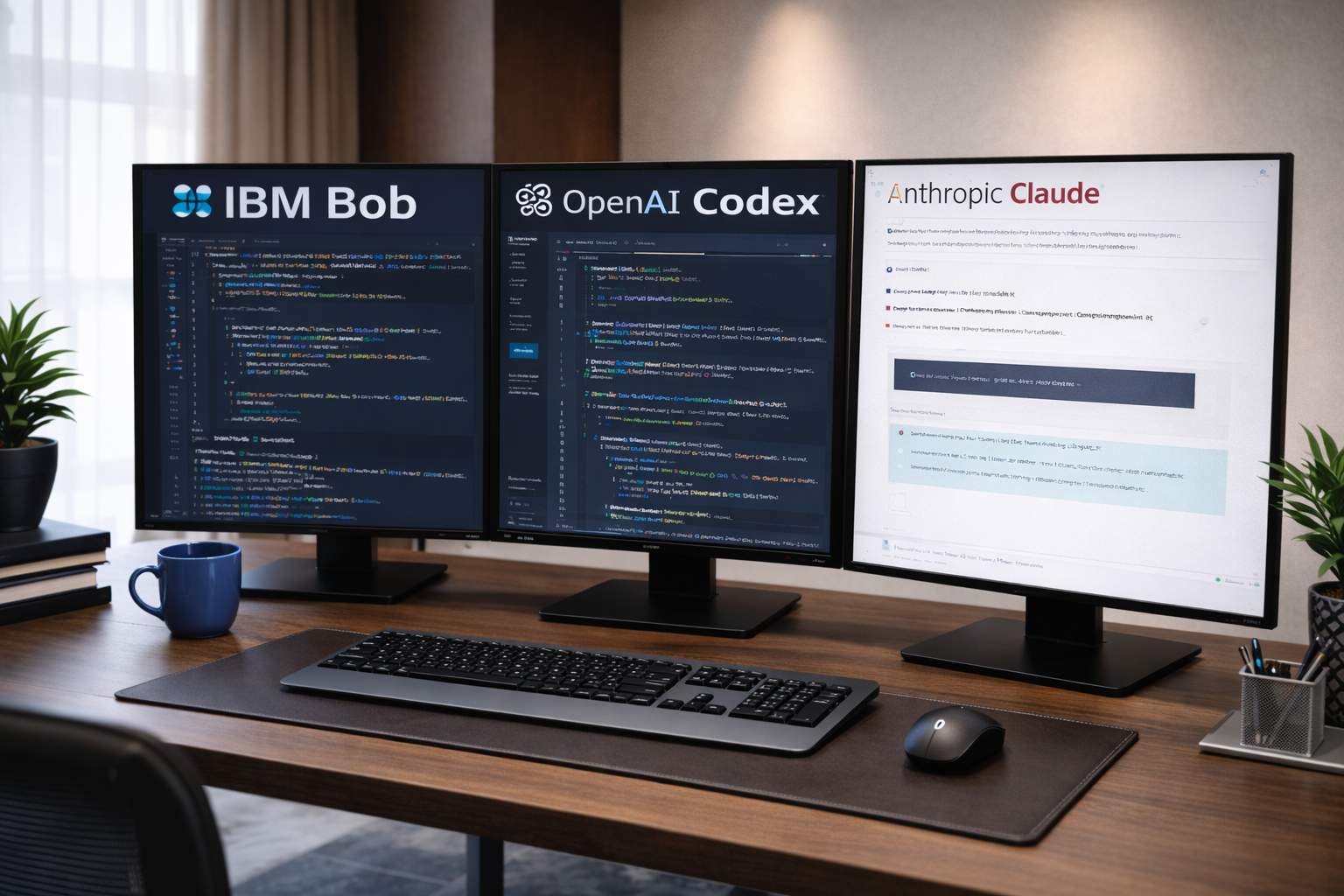
I worked with three AI coding agents, each with a loosely defined role:
- IBM Bob – vibe-coded the initial release and base structure
- OpenAI Codex – implemented new functional features in parallel
- Anthropic Claude – design review, validation, and functional reasoning
There was no automated orchestration. I manually coordinated tasks, shared context, merged changes, and resolved conflicts. Think of it as a small hackathon where the “developers” never sleep—but also never fully talk to each other.
First impression: parallel agents do feel faster
Early on, the speedup was obvious.
While Bob pushed the base forward, Codex worked on features, and Claude reviewed flows and edge cases. Progress felt continuous rather than blocked. There was always something moving.
But that speed introduced a new class of problems.
Behavior #1: Agents don’t like fixing other agents’ bugs
This surprised me.
When one agent introduced a bug, the next agent often did not fix it, even when explicitly asked. Instead, it would:
- partially work around the issue,
- refactor an adjacent area,
- or introduce a new abstraction and focus on that problem instead.
Even after multiple nudges, the tendency was to solve a new problem it created, not repair the original regression.
This felt uncomfortably familiar. Very human behavior.
Takeaway: AI agents are good at forward motion. Disciplined repair requires explicit constraints.
Behavior #2: “Works in dev mode” exists for agents too
Each agent claimed to test locally.
In practice, each had implicitly assumed:
- different execution paths,
- different entry conditions,
- different interpretations of “done.”
You can get each agent to a working state without breaking the full codebase—but only if you force them to test against the same integration points.
Takeaway: parallel agents multiply “it works on my machine” scenarios.
Behavior #3: Checkpoints are not optional
Agents don’t naturally leave a clean trail.
If I didn’t explicitly ask for:
- a summary of changes,
- files touched,
- what was intentionally not changed,
- how to test,
…reconstructing state later was painful.
I ended up enforcing a simple rule: every agent must produce a checkpoint before handing work back.
This wasn’t about memory—it was about engineering hygiene.
Takeaway: with multiple agents, your role shifts from coder to release manager.
Behavior #4: Agents get “tired” (or behave like it)
Over longer sessions, I noticed a pattern:
- “Bug fixed.” (It wasn’t.)
- “All tests passing.” (No tests were added.)
- “Issue resolved.” (The behavior still reproduced.)
This felt like agent fatigue—not literal exhaustion, but premature convergence on “done” instead of last-mile verification.
Resetting context or switching agents often helped.
Takeaway: long-running sessions degrade. Fresh context restores accuracy.
Context windows become the real bottleneck
As the codebase grew, productivity dropped—not because the agents got worse, but because context management became harder.
What helped consistently:
- modular code from the start,
- a clear design/spec file,
- explicit module boundaries,
- small, testable units.
Once agents could work against well-defined modules instead of “the whole repo,” efficiency recovered.
Takeaway: architecture matters more with AI agents, not less.
Cost reality: Codex is powerful—and expensive
Even on a small project, Codex can burn money quickly, especially when paired with browser-based testing.
Left unchecked, it’s easy to spend ~$10/hour chasing the same mistake across multiple iterations. It’s capable, but it doesn’t always take the shortest correction path.
Takeaway: treat high-end coding agents like scarce compute, not infinite labor. IBM Bob did better on cost probably it distribute workloads on multiple model inherently.
In practice, shaping how the work is structured mattered just as much as which agents I used.
So, did this actually work?
Yes—but not magically.
Parallel agents increase throughput, but they also increase:
- coordination overhead,
- integration risk,
- and the need for explicit engineering discipline.
You don’t escape software engineering.
You move up a level.
Instead of writing every line, you define rails, enforce checkpoints, validate truth, and merge reality. As we say you need to be disciplined software engineer to leverage these tools at the moment. If you lack discipline you may be sitting on garbage codes.
AI coding are great amplifier, teamed up with right engineer.
What’s next
This was a small experiment. We’ve since run a team hackathon with ~200 engineers applying similar AI-assisted coding patterns at scale.
I’ll share our collective observations next.
One thing is already clear: learning to code with AI agents—not just using them—is becoming a core programming skill.
 Anup Kumar Blog